
Executive Summary
Most dependency upgrades look simple when they are first planned. Update a few packages, fix some warnings, run the application, and move on.
That was the expectation when we started upgrading a MERN application that had not been modernized for several years. The application was still running older versions of React, Express, Mongoose, React Router, Create React App, and several supporting libraries.
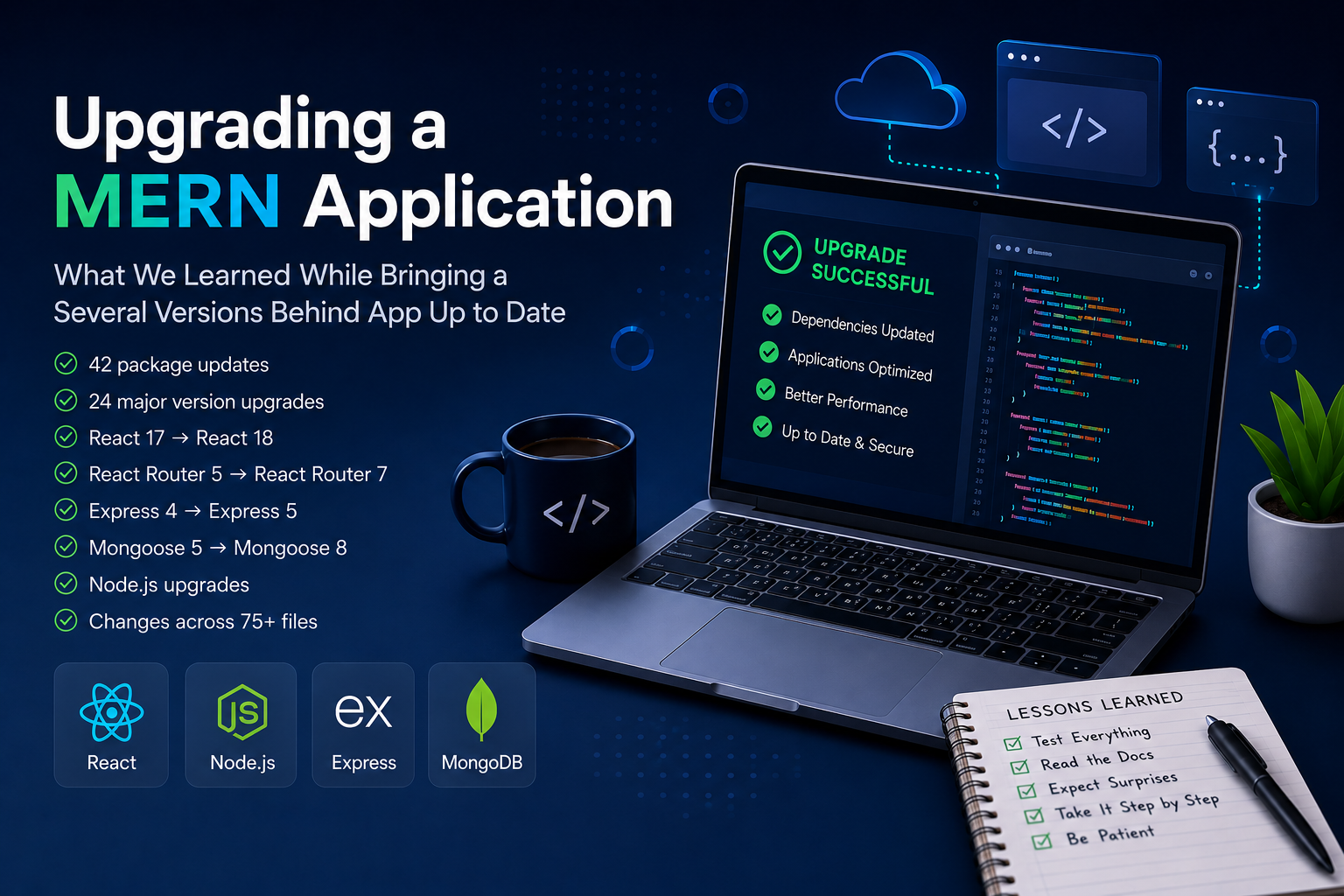
The upgrade eventually included:
- 42 package updates
- 24 major version upgrades
- React 17 to React 18
- React Router 5 to React Router 7
- Express 4 to Express 5
- Mongoose 5 to Mongoose 8
- Migration from Create React App to Vite
- Node.js upgrades across the application
- Changes across more than 75 files
The biggest lesson was simple: upgrading packages is usually the easy part. Understanding how those upgrades affect existing application behavior is where most of the work happens.
Why the Upgrade Was Needed
Like many long-running applications, this system had been updated only when necessary.
The application was stable and working correctly, so major framework upgrades were continuously postponed. Over time, the gap between the current versions and the latest supported versions became larger.
Several packages were multiple major versions behind. Some dependencies contained deprecated functionality. Security updates had accumulated, and documentation and community support were increasingly focused on newer versions. Eventually, upgrading became unavoidable.
The goal was not to add new features. The goal was to bring the application onto supported versions, reduce future maintenance effort, and remove years of accumulated technical debt before it became even harder to manage.
The First Surprise: Everything Compiles, But Nothing Works
One of the first things we noticed was that a successful installation did not mean a successful upgrade. Most packages installed without major issues. The real challenges appeared only after running the application.
Pages that previously worked stopped rendering correctly. Navigation behaved differently. Authentication flows became inconsistent. Certain warnings appeared throughout the application.
At first, it felt like multiple unrelated problems. In reality, most of them were connected to changes introduced by newer framework versions. This became a recurring theme throughout the project. Build errors were usually easy to fix.
Runtime behavior took much longer to understand.
React Router Required More Work Than Expected
The routing layer required some of the largest changes. The application was originally built using React Router version 5. After upgrading to newer versions, several routing patterns were no longer supported.
Some examples included replacing:
- Switch with Routes
- useHistory with useNavigate
- Redirect with Navigate
Route definitions also needed to be updated to use the element property. Individually, these changes were straightforward.
The challenge was that routing logic existed throughout the application. Small updates had to be made across multiple pages and components before navigation started working consistently again. The routing upgrade also exposed issues in protected routes and authentication checks that had previously gone unnoticed.
After routing updates were completed, authentication behavior became the next focus. Some protected pages redirected unexpectedly. Other pages loaded correctly but failed during navigation.
Initially, it appeared that token handling was broken. After tracing the issue, the actual cause was much simpler. The route protection logic was not properly handling loading states. As the routing library changed, some assumptions in the authentication flow no longer behaved as expected. A relatively small code change resolved the issue, but finding the root cause took significantly longer than implementing the fix.
This was a reminder that upgrades often expose weaknesses that were already present in the application but had remained hidden because older versions happened to tolerate them.
One area that required more work than expected was the frontend build system. The application was originally built using Create React App (CRA), which had served the project well for several years. As the upgrade progressed, it became clear that modern frontend development had largely moved toward newer tooling.
As part of the modernization effort, the frontend was migrated from Create React App to Vite. Initially, the migration looked straightforward. The actual work touched far more areas than expected.
Some of the changes included:
- Replacing react-scripts with Vite tooling
- Introducing ES Module support
- Updating package scripts and build commands
- Migrating environment variables from REACT_APP_* to VITE_*
- Updating import and export patterns
- Adjusting static asset handling
- Updating SCSS references and build configurations
None of these changes were difficult individually. The challenge was that older assumptions existed throughout the codebase.
Environment variables that had worked for years suddenly became unavailable until they were migrated to the new format. Asset paths required updates. Several modules needed to be converted to modern import and export syntax. Some code that had quietly existed in the application for years became visible only after the new build process enforced stricter standards. The migration also uncovered opportunities for cleanup.
Unused imports were removed. Duplicate object properties were fixed. Older code patterns that no longer served a purpose were eliminated. In a few places, code that belonged on the server side had accidentally found its way into frontend components and needed to be removed.
What started as a build tool replacement gradually became another modernization project within the larger upgrade effort.
One of the most noticeable improvements came after the migration was complete. Development startup times became dramatically faster, hot reloading became nearly instantaneous, and production builds completed much more quickly than before.
The performance gains were welcome, but the larger benefit was bringing the application onto tooling that aligns with the current frontend ecosystem.
The Mongoose upgrade was different from the frontend changes. Most database functionality continued working, but several older configuration options had become unnecessary.
The application contained connection settings that were required in older versions but were removed in Mongoose 8. As a result, deprecation warnings started appearing during application startup. Fixing these issues was not complicated, but it required reviewing older configuration patterns and replacing them with the current recommended approach.
In many ways, the Mongoose upgrade was less about fixing bugs and more about removing outdated code. Sometimes modernization is not about adding new functionality. It is about simplifying what already exists.
Before starting the upgrade, we assumed React, Express, and Mongoose would create most of the work. That turned out to be wrong. The larger frameworks generally had clear migration documentation and predictable upgrade paths.
The harder issues came from smaller libraries that had not been reviewed in years.
These included:
- Authentication helpers
- Utility packages
- Validation libraries
- Middleware wrappers
- Supporting frontend libraries
Many of these packages still worked, but they behaved differently after surrounding dependencies were upgraded. The result was a series of small issues that required investigation one by one. None of them were particularly difficult. Together, they accounted for a significant portion of the overall effort.
A pattern emerged throughout the project. Fixing one issue often uncovered another issue hiding behind it. A routing fix exposed an authentication problem. An authentication fix exposed a navigation issue. A dependency update removed warnings but revealed compatibility problems elsewhere. This was not because the application was poorly built.
It was simply the result of several years of accumulated framework changes being introduced at the same time. The application had evolved gradually while the ecosystem around it had evolved much faster. The upgrade forced those two timelines to reconnect.
The further the project progressed, the more important testing became. Every major upgrade required validating:
- Navigation
- Authentication
- Form submissions
- Database operations
- State management
- API interactions
- Component rendering
- Responsive layouts
Many issues only appeared after manually walking through application flows. This reinforced an important lesson. Dependency upgrades should never be treated as package updates alone. They are application behavior updates. Testing needs to focus on how users interact with the system, not just whether the code compiles successfully.
A green build does not guarantee a working application.
Once the work was complete, several improvements became immediately noticeable. The application was running on supported framework versions. Deprecated configurations were removed. Warnings that had accumulated over time were eliminated. Future package updates became easier because the application was no longer several versions behind.
The codebase also became easier to understand because many outdated patterns were replaced with current framework standards.
The move to Vite modernized the frontend development workflow. Local startup times were significantly reduced, rebuilds became faster, and development became noticeably more responsive. The application now benefits from tooling that is actively evolving alongside the modern React ecosystem. Most importantly, future maintenance became much simpler. The application was no longer carrying years of upgrade debt.
1. Start Earlier Than You Think
The longer upgrades are postponed, the larger the migration becomes. Smaller upgrades performed regularly are almost always easier than large upgrades performed every few years.
2. Runtime Testing Matters More Than Build Success
Most of the work happened after the application started running. A successful build is only the beginning.
3. Read Official Migration Guides
Migration documentation saved a significant amount of time and helped avoid unsupported patterns. Framework maintainers have usually seen the same issues before.
4. Expect Hidden Dependencies
Some of the most time-consuming issues came from smaller libraries rather than the major frameworks. The biggest risks are often found in places nobody initially expects.
5. Modernization Is Usually Bigger Than the Original Plan
What starts as a package upgrade can quickly expand into framework migrations, build system changes, code cleanup, and architectural improvements. Planning for that possibility helps reduce surprises later.
6. Be Patient
Large upgrades rarely finish exactly as planned. Unexpected issues are part of the process. The goal is not to avoid them completely but to work through them methodically.
What began as a dependency upgrade became a valuable reminder of how software evolves over time.
Frameworks change. Libraries improve. Build tools evolve. Best practices move forward. Applications that are not upgraded regularly eventually carry the weight of those changes.
This project was not about adding new features or redesigning the system. It was about bringing the application back onto a modern foundation.
The experience reinforced something every engineering team eventually learns: The cost of maintaining software rarely appears all at once. It builds gradually over time.
And sometimes, what looks like a simple package upgrade becomes a full modernization effort that reveals just how much the ecosystem has changed while the application stood still.